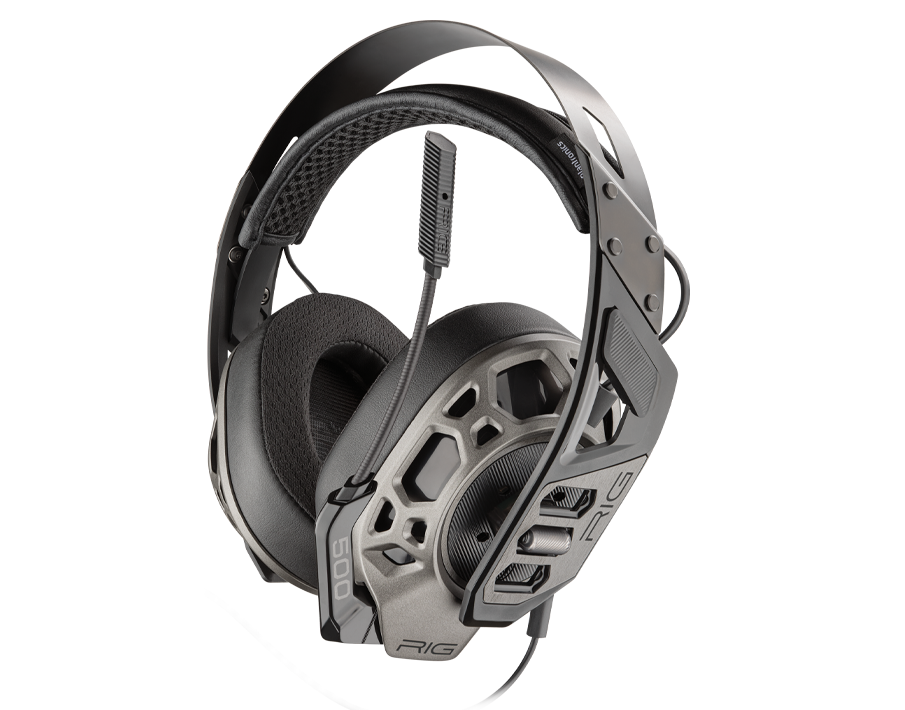
Headset RIG 500 Pro Esports
Register your product on MyNacon for quick access to all this information.
Documents & downloads


Frequently asked questions
The RIG 500 PRO GEN 2 series feature the following changes:
- Virtually unbreakable metal headband on all models.
- Change from a removable audio cable to a permanently attached, flat audio cable with in-line volume control and max volume lock.
- Compatibility with all gaming controllers: Xbox One, Xbox Series X|S, PlayStation 4, PlayStation 5, Nintendo Switch, PCs, laptops and other personal electronics devices.
PlayStation 4
PlayStation 5
Xbox One
PC / Mac
The only way to reset this headset is to disconnect and reconnect it.
- Insert the headset wire into the device or controller correctly. If necessary, unplug it and plug it back in.
- When the wire is correctly inserted into the controller port, you see the Audio option in the Settings menu.
- If you use a RIG PRO 500 model designed for a different console, remove the plastic sleeve on the connector to fully insert the plug into the headset jack of the controller.
- If it is not recognized, there can be a problem with the controller's headset port. Test another controller.
- Test the headset with another source that has a headset connection, like a mobile phone, a tablet or a laptop.
- If you are still having issues getting stereo sound, test the headset with another 3.5mm male to male cable.
- If you are still having issues, contact the support team.
This problem can happen if the audio output of your console is set to Chat Audio.
- Go to the settings of your console.
- On PlayStation 4: Settings > Devices > Audio Devices > Output to Headphones.
- On PlayStation 5: Settings > Sound > Audio Output > Headphones > Output to Headphones.
- Select All Audio.