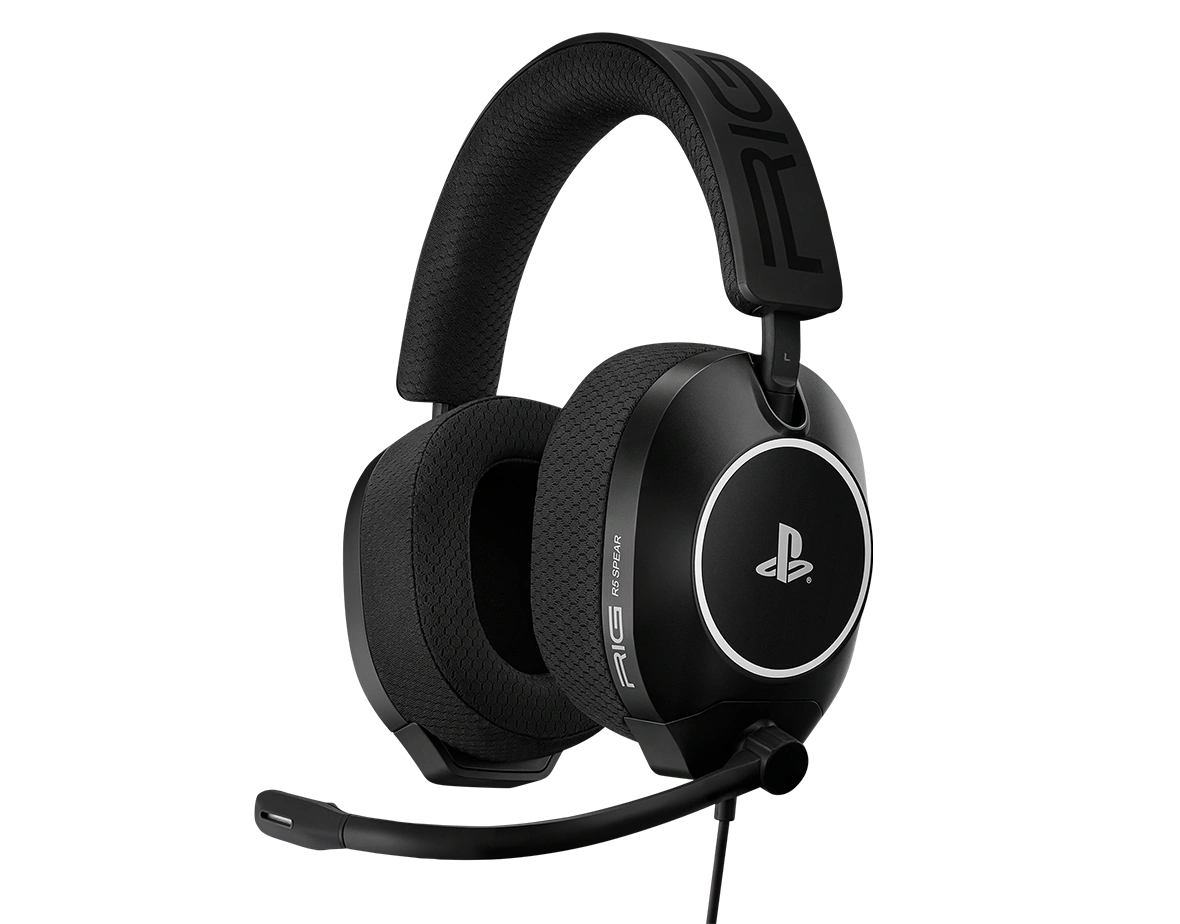
Headset RIG R5 Pro HS
Register your product on MyNacon for quick access to all this information.
Models :
Documents & downloads


Frequently asked questions
The RIG R5 series headsets all feature a universally compatible 3.5 mm audio plug. All versions are compatible with all Xbox and PlayStation controllers. They're also compatible with Nintendo Switch 1 and 2, PC and other audio sources with a 3.5 mm headset jack.
The RIG R5 SPEAR PRO HC, HS and HX versions are identical products technically. The differences lie in the colors, logos and 3D audio features:
- The RIG R5 SPEAR PRO HS headset features the PlayStation logo and is available in black and white.
- The RIG R5 SPEAR PRO HC and HX headsets include a 1-year Dolby Atmos code and are only available in black.
The RIG R5 SPEAR series headsets have a 1.5 m audio cable. As a result, they are fully compatible with console controllers, laptops and desktop PCs.
However, the RIG R5 SPEAR MAX HD headset also has more features specific to PC gaming, like a USB-C audio DAC with a dedicated audio hub. For more information, see the video below:
PlayStation
Xbox Series X|S
PC
RIG R5 SPEAR PRO
RIG R5 SPEAR MAX HD
Nintendo Switch 2
Unplug the headset and plug it back in, making sure that the 3.5 mm connector is fully inserted into the controller's headset port.
When the connector is firmly in place, you can hear and feel a "click" sound.Make sure that you selected the headset as the mic input device on the console.
Make sure that the console's firmware is up to date.
Check the voice chat settings on the console, in the game and on the chat app.
If the Open mic sensitivity setting in the game's voice chat options is at 100, set it to 70-80 instead.
This setting defines how loud you need to speak before the game lets other players hear you. The higher the setting, the louder you need to speak. If you reduce it, you can speak at a normal volume.Turn off the console off fully, wait a few seconds, then turn it back on.
Test the headset with a different device.