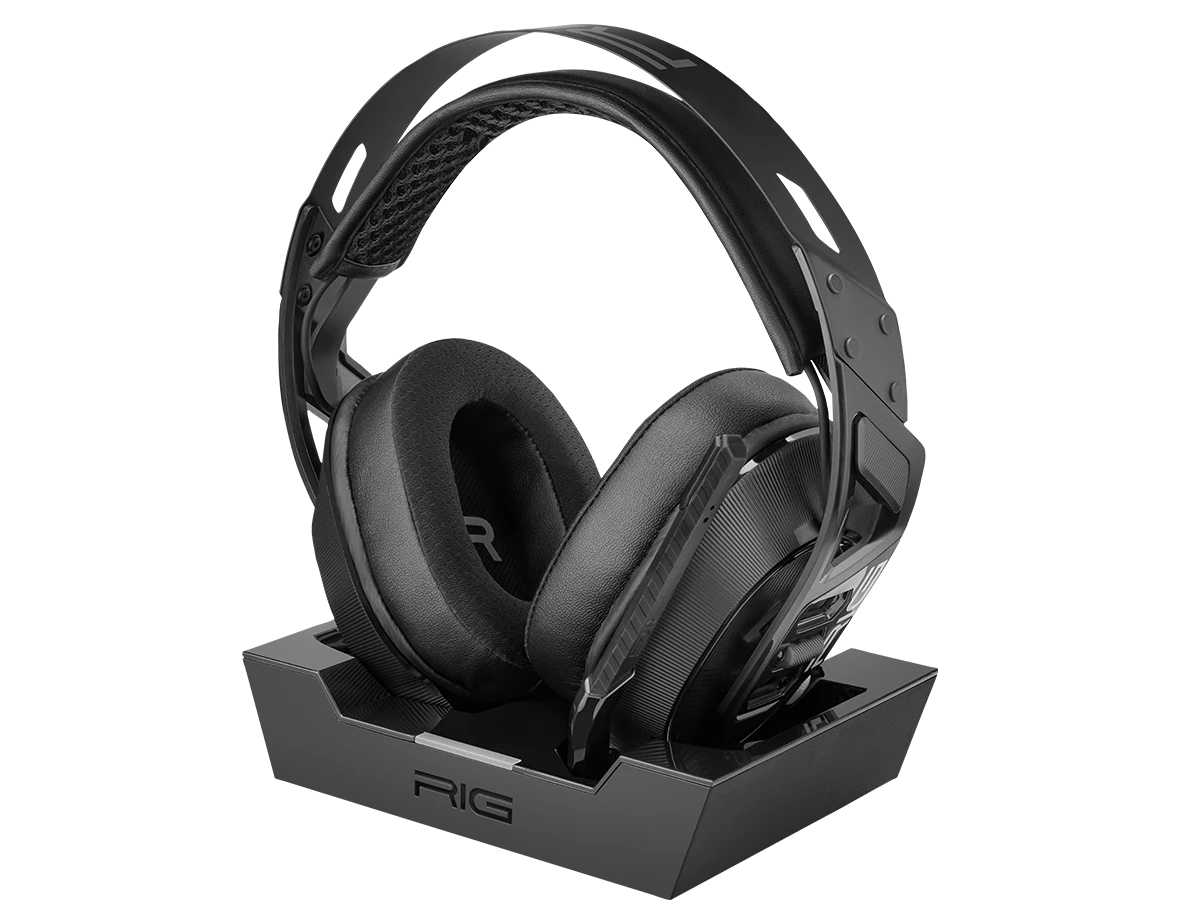
Headset RIG 900 MAX HX Black
Register your product on MyNacon for quick access to all this information.
Documents & downloads


Frequently asked questions
The RIG 900 MAX HX headset is compatible with the following platforms:
- Xbox
- PC
- PlayStation 4 and PlayStation 5
- Nintendo Switch
- Android and iOS mobile devices (through Bluetooth)
NOTE: Since the RIG 900 MAX HX is Xbox licensed, we cannot guarantee that all the functions of the headset will work on a PlayStation like on a PC or Xbox.
Dolby Atmos is compatible with the following RIG headsets:
- RIG 300 PRO HC
- RIG 400 Atmos
- RIG 400 PRO HC
- RIG 400 HX
- RIG 500 PRO HA
- RIG 500 PRO HA GEN2
- RIG 500 PRO HC
- RIG 500 PRO HC GEN2
- RIG 500 PRO HS
- RIG 500 PRO HX
- RIG 600 PRO HX
- RIG 700 PRO HD
- RIG 700 PRO HX
- RIG 800 PRO HD
- RIG 800 PRO LX
- RIG 800 PRO HX
- RIG 900 MAX HX
- RIG R5 PRO HC
- RIG R5 PRO HX
Dolby Atmos for Headphones is compatible only with the following platforms:
- Xbox One
- Xbox Series X|S
- PC (Windows 10 or Windows 11)
Dolby Atmos Surround Sound is not compatible with PlayStation 4 or PlayStation 5.
Android/iPhone
- Press and hold the Mode button for at least six seconds until you hear a voice prompt that says "Pairing Bluetooth".
The LED indicator flashes blue. - Activate Bluetooth on your phone and select RIG 900 MAX HX.
USB-A adapter
The RIG 900 MAX HX and the supplied USB-A adapter come already paired right out of the box.
If you lose the USB-A connection or if you need to connect the RIG 900 MAX HX headset to a replacement adapter, follow these steps:
- Power off the headset.
- Plug the USB-A adapter into the console or PC directly, or into the multi-function base station.
- Press and hold the Pairing button on the USB-A adapter to set it into pairing mode.
The LED on the adapter flashes blue and red. - Press and hold the Power button on the headset until the LED flashes purple.
A voice prompt says "Power on" and "Pairing USB".
When the connection is complete, you can hear a confirmation of connection and the LED on the USB-A adapter displays a solid purple.
- Mode: Press once to select a mode (Bluetooth, USB or Dual).
-
Multi-function:
- Press once to play or pause music.
- Hold the button for three seconds to activate the voice assistant.
- During a call, press the button once to accept or end it.
- During a call, hold the button for three seconds to reject it.
- Volume control: Increase or decrease the speaker volume.
-
Light indicator: Indicates the pairing mode or the charging status.
- Blue: Pairing mode activated.
- Green: Charging.
- Off: Charged.
- On/Off: Hold the button for three seconds to power on or power off the headset.
- USB-C charge port: Use the USB-C to USB-A cable supplied to charge the headset. It takes five hours to fully charge the battery.