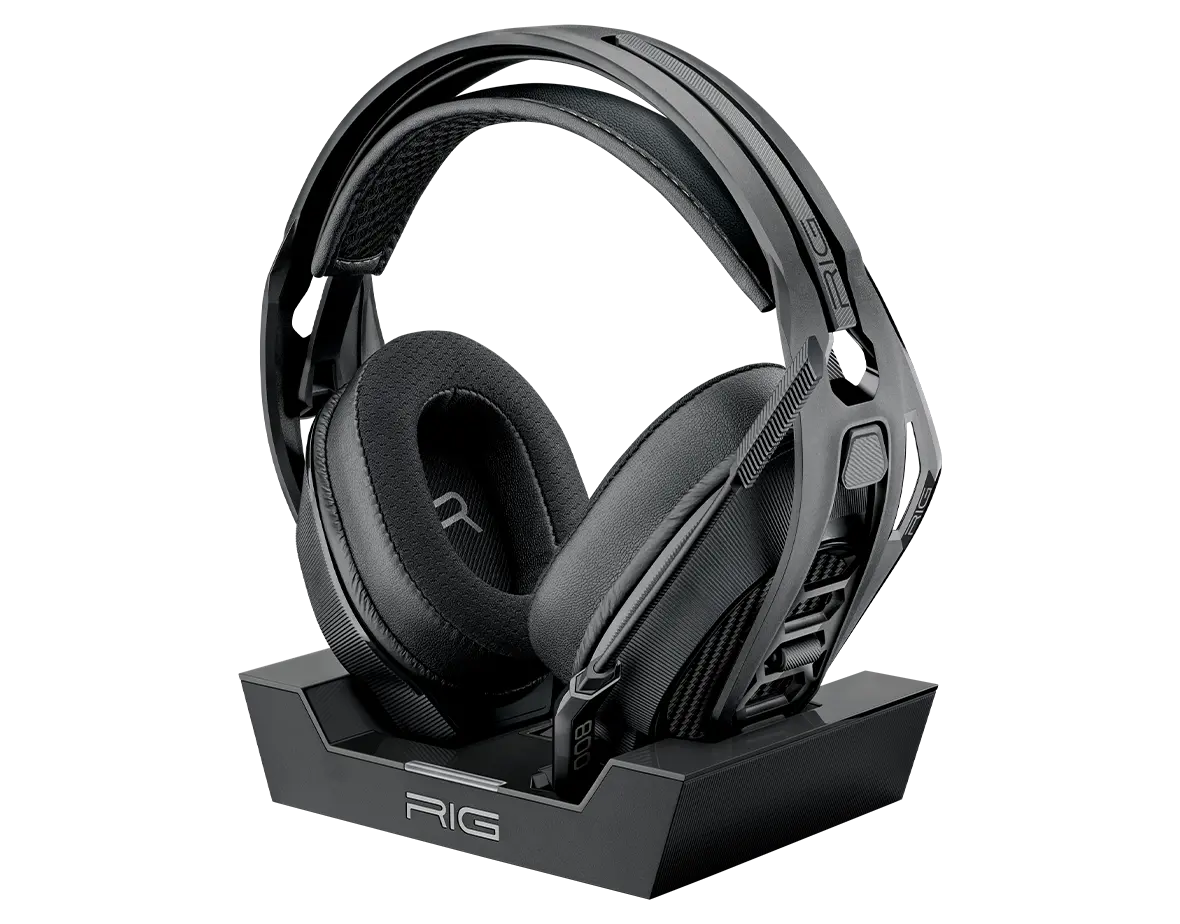
Headset RIG 800 PRO HX
Register your product on MyNacon for quick access to all this information.
Documents & downloads


Frequently asked questions
The RIG 800 HX headset is compatible with PC, Xbox One and Xbox Series X|S. Due to circuitry differences between Xbox and PlayStation consoles, it is not compatible with PlayStation consoles.
Dolby Atmos is compatible with the following RIG headsets:
- RIG 300 PRO HC
- RIG 400 Atmos
- RIG 400 PRO HC
- RIG 400 HX
- RIG 500 PRO HA
- RIG 500 PRO HA GEN2
- RIG 500 PRO HC
- RIG 500 PRO HC GEN2
- RIG 500 PRO HS
- RIG 500 PRO HX
- RIG 600 PRO HX
- RIG 700 PRO HD
- RIG 700 PRO HX
- RIG 800 PRO HD
- RIG 800 PRO LX
- RIG 800 PRO HX
- RIG 900 MAX HX
- RIG R5 PRO HC
- RIG R5 PRO HX
Dolby Atmos for Headphones is compatible only with the following platforms:
- Xbox One
- Xbox Series X|S
- PC (Windows 10 or Windows 11)
Dolby Atmos Surround Sound is not compatible with PlayStation 4 or PlayStation 5.
The RIG 800 PRO series headsets feature the following changes and additions:
- Improved design and finish
- Charging stand with battery level indicator
- USB-stick style 2.4 GHz RF wireless adapter
NOTE: You can either plug the adapter into the charging base and plug the base into your console/PC, or plug the adapter directly into your console/PC. - Unremovable PRO style microphone with a reinforced flip-to-mute feature
- Press-and-hold Power button instead of a slide switch
- No EQ button
Changes specific to the 800 PRO HX version:
- Separate master volume dial
- Game/chat audio balance dial
- Separate button for mic monitoring adjustment
- Turn off the headset.
- Plug the USB adaptor into the console or PC.
- Set the selector switch on the USB adaptor to Xbox or PC depending on the platform you use.
- Press the Pairing button on top of the USB adaptor and hold it until the LED indicator flashes red and blue.
- Turn on the headset. A voice prompt says "Headset not connected".
- Slide up the Power button and hold it until the LED indicator flashes red and blue. A voice prompt says "Pairing".
If the pairing succeeded, a voice prompt says "Headset connected" and the LED indicator on the USB adaptor changes to purple.
For more information, you can watch the following video tutorial: