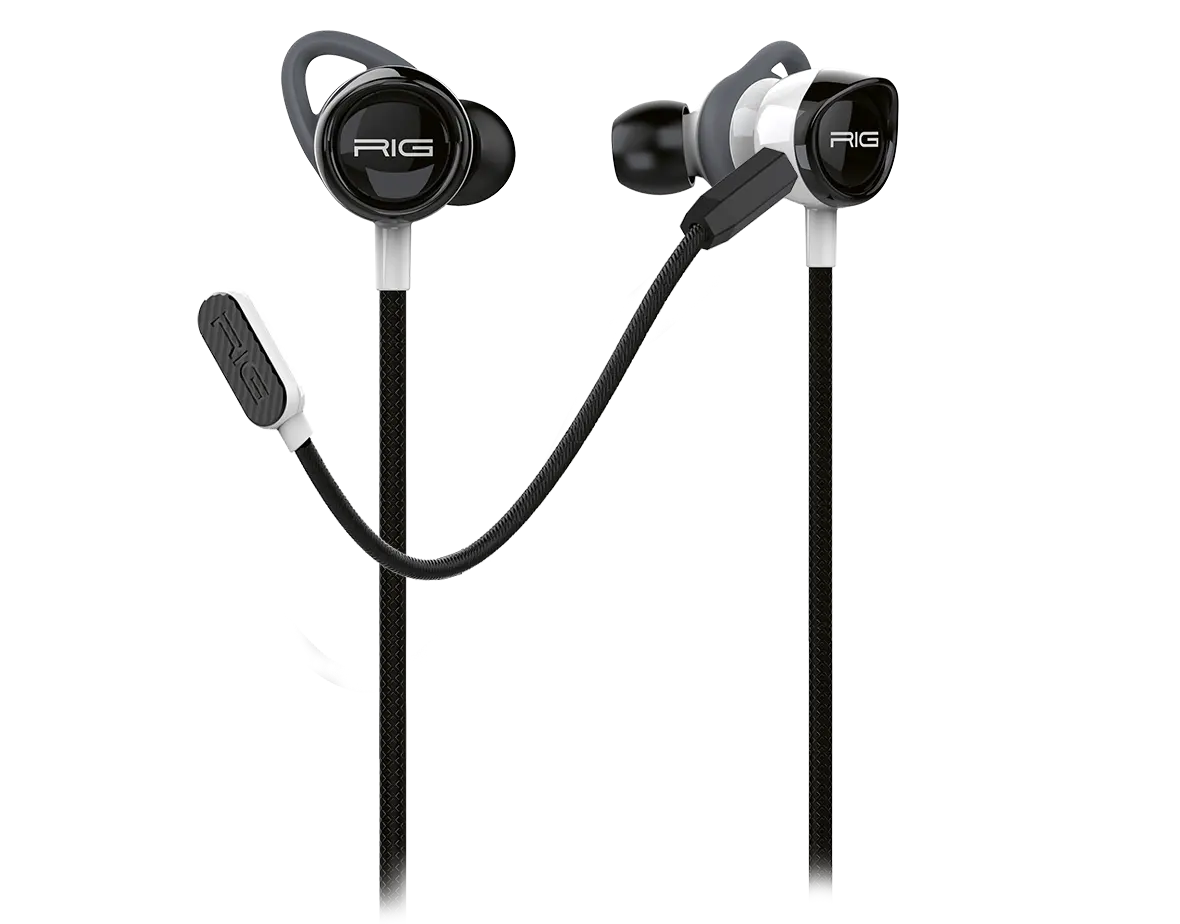
When you plug the RIG 200HS into your gaming controller, it should automatically recognise that you want to use the speaker and the microphone from the RIG 200HS. If this is not the case, go to the audio settings on your gaming console and select the RIG 200HS as input audio for your speaker and microphone.
If you need assistance with selecting audio on a specific console, check out the RIG support videos on RIG's YouTube channel.