Share a profile
Register your product on MyNacon for quick access to all this information.
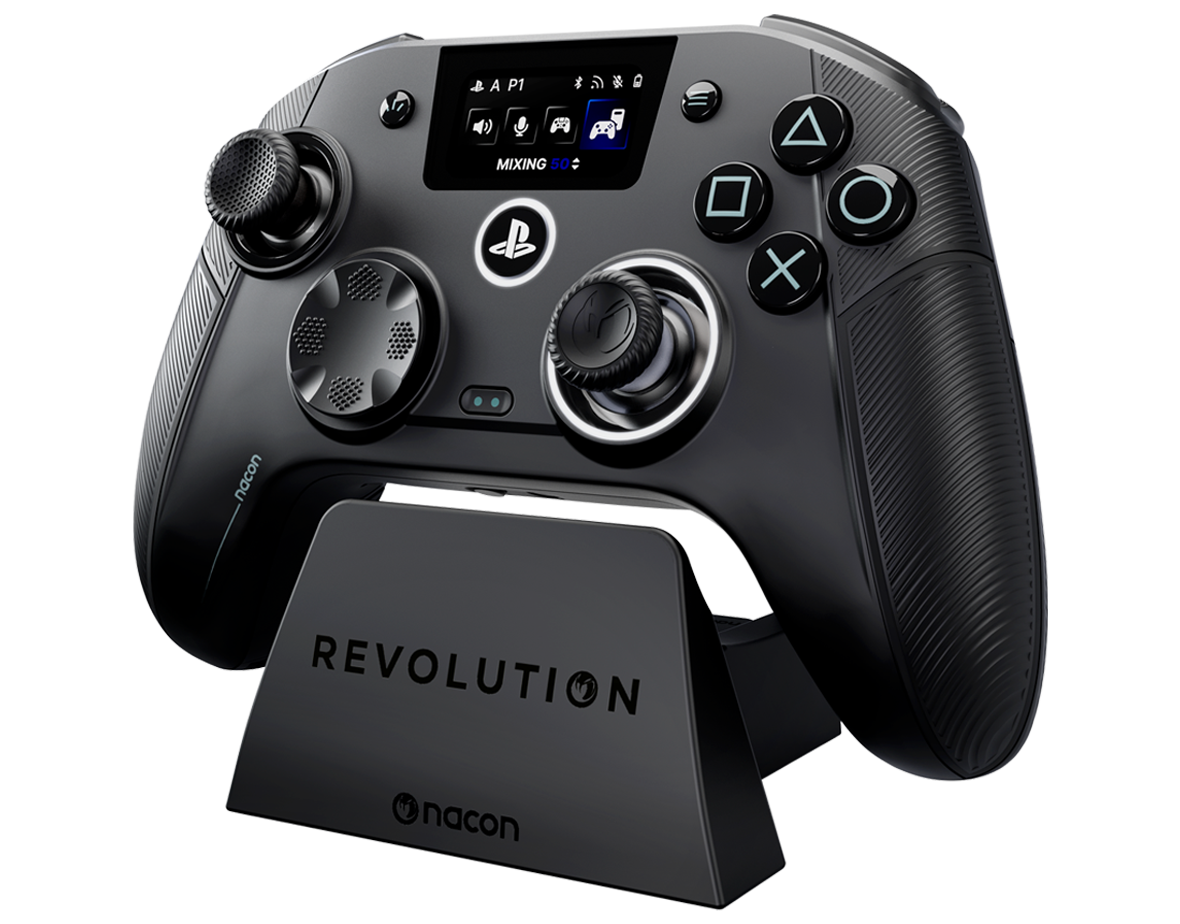
The Revolution 5 Unlimited Controller is compatible with PC and PlayStation 5.
In Bluetooth mode, you can use it with compatible Mac, Android, and Smart TV devices.
You can use the Revolution 5 Unlimited on Steam Deck in Bluetooth mode.
In wired mode, plug the controller into your PC or console with the supplied cable and press the PS button for three seconds.
In wireless or Bluetooth mode, press the PS button for three seconds.
The Revolution 5 Unlimited Controller turns off automatically when it is not connected to a PC or a console.
To quickly turn it off when you are in wireless or Bluetooth mode, set the Mode button to Wired. The button turns off the controller immediately.
To reset the controller, insert the tip of a paper clip into the reset hole on the back of the controller for three seconds.
Still have a problem and want to talk to us? We're here to help.