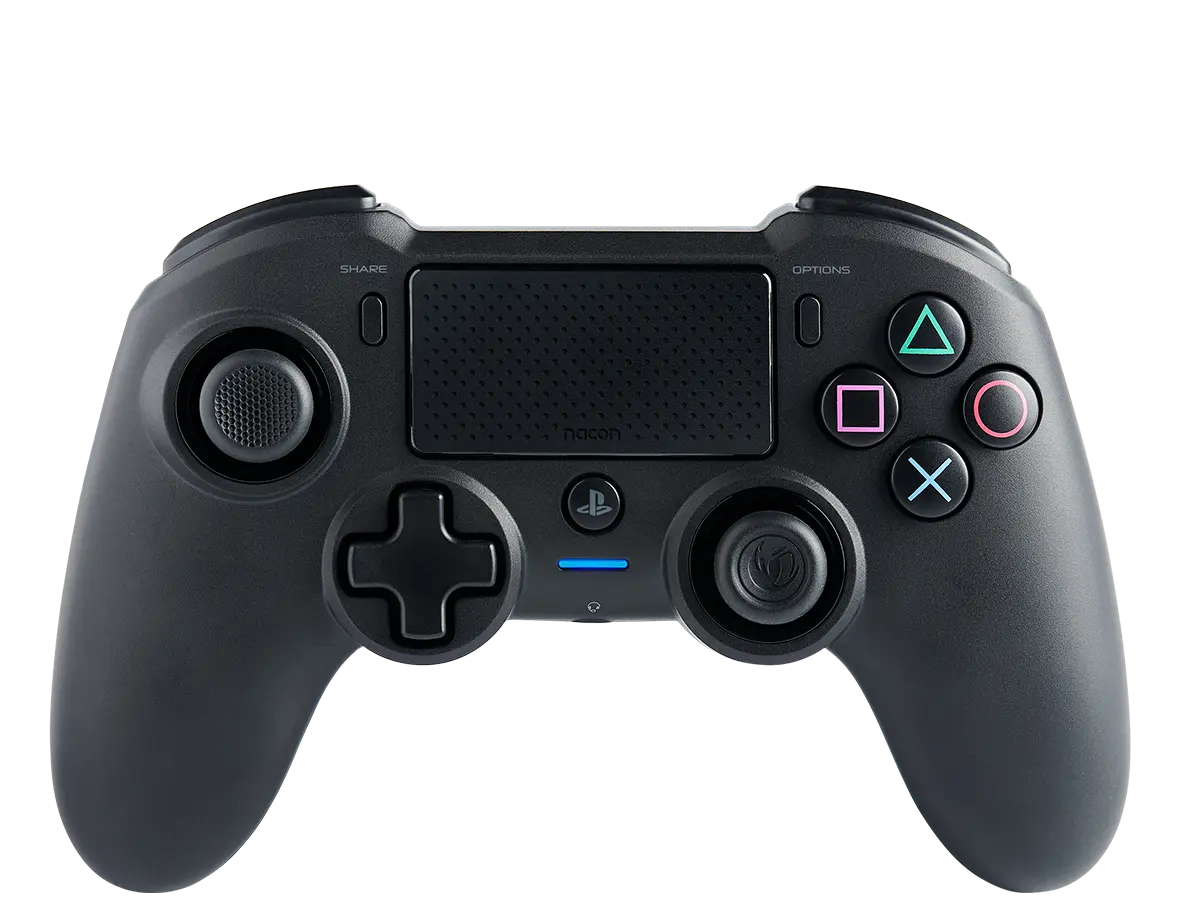
Press and hold the back button for a minimum of one second. The colour code that follows is used:
-
Green: 75% < Battery level ≤ 100%.
-
Yellow: 50% < Battery level ≤ 75%.
-
Orange: 25% < Battery level ≤ 50%.
-
Red: 10% < Battery level ≤ 25%.
-
Permanent red flashing (no need to press the back button): Battery level ≤ 10%.
To stop checking the battery level, release the button. The player LED becomes white again to show that the controller is well connected to the USB receiver, except if the battery level is below 10%.