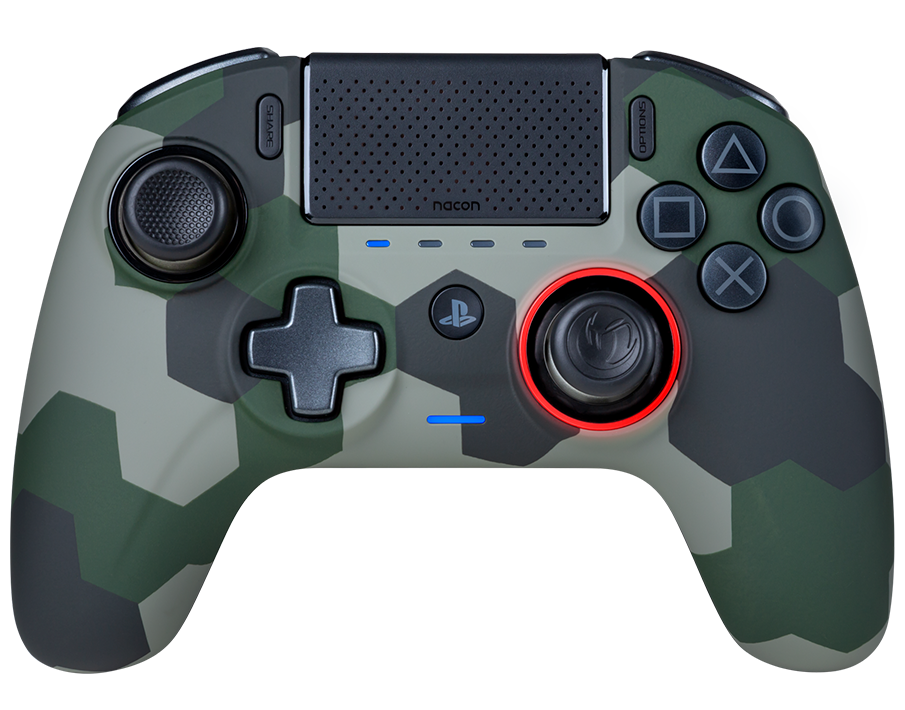
To charge your controller, you must always use the charger/cable supplied with it. As specified in the safety notice, using another cable (like a phone charger for instance) will damage the battery. This kind of damage is not covered by the warranty.
No, it doesn't support the macro feature because it isn't compatible with Esport regulations.
You can download the companion app for Windows and Mac OS X here.
To set it up, follow this video tutorial:
To reset the controller, insert the tip of a paper clip into the reset hole on the back of the controller for three seconds.
Some files necessary to use the PC/Mac companion app may be missing on your PC.
Install the Microsoft Visual C++ 2005 Service Pack 1 Redistributable Package ATL Security Update. You can download it here.
Launch the PC/Mac companion app again.
If you are still having issues, contact the support team.