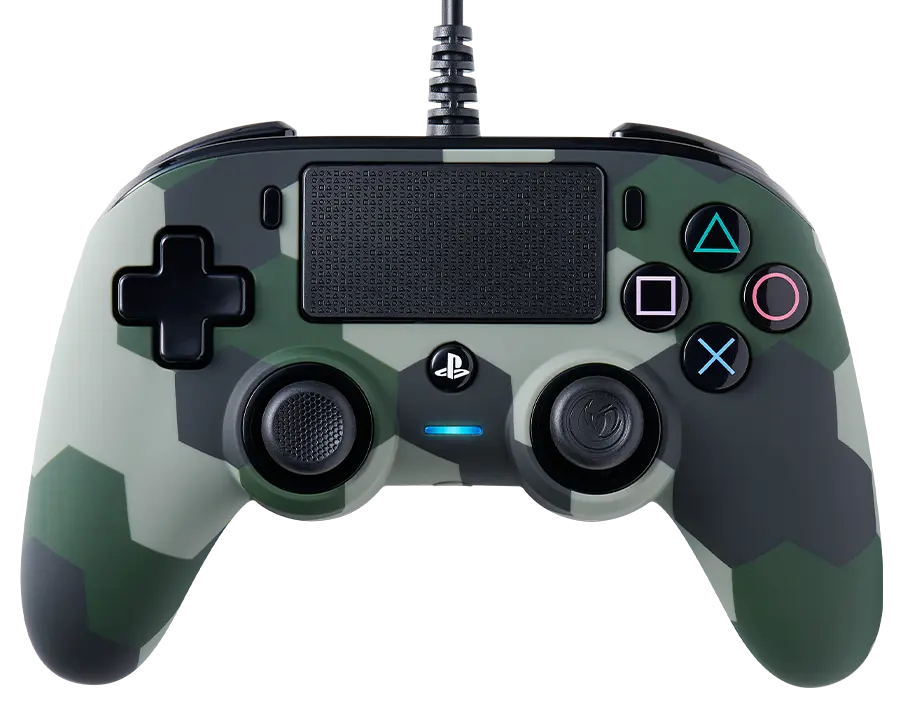
The Wired Compact Controller is compatible on PC with Windows 10 and 11. However, the PlayStation website states here that "some third-party PC compatible controllers that use XInput work with the PlayStation Now on PC service, but we do not guarantee that they are fully compatible".
The only way to reset this controller is to disconnect and reconnect it.
Unplug and plug again your controller to your gaming system without any action on your joystick or trigger.
If your controller has a companion app, make sure that:
The firmware is up to date.
The settings of your joystick or trigger are not too aggressive.
The dead zone settings are not set at their minimum.
The audio feature works only on PlayStation 4. It is not supported on PC.
Make sure that the Mute function is deactivated on the remote control of your headset.
Go to the settings of your PlayStation 4 system to make sure that the microphone level is not set at its minimum.
The audio feature works only on PlayStation 4. It is not supported on PC.
Make sure that the settings of the audio output of your PlayStation 4 system are correctly configured for your headset.
Make sure that the volume is not set at the minimum level.