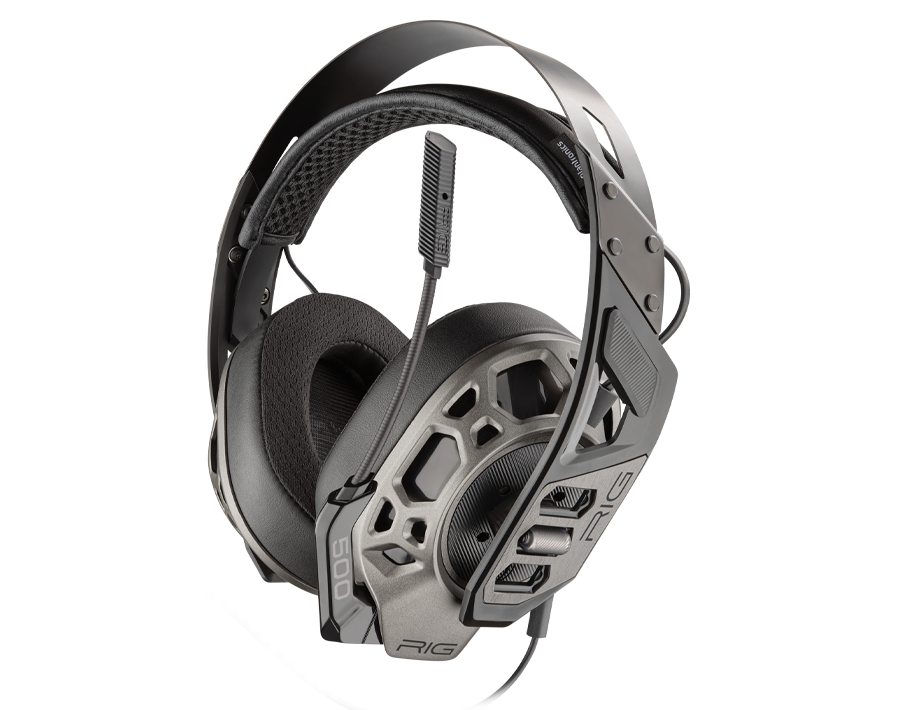
Headset RIG 500 Pro Esports
Register your product on MyNacon for quick access to all this information.
Documents & downloads


Frequently asked questions
The RIG 500 PRO GEN 2 series feature the following changes:
- Virtually unbreakable metal headband on all models.
- Change from a removable audio cable to a permanently attached, flat audio cable with in-line volume control and max volume lock.
- Compatibility with all gaming controllers: Xbox One, Xbox Series X|S, PlayStation 4, PlayStation 5, Nintendo Switch, PCs, laptops and other personal electronics devices.
PlayStation 4
PlayStation 5
Xbox One
PC / Mac
The only way to reset this headset is to disconnect and reconnect it.
- Insert the headset wire into the device or controller correctly. If necessary, unplug it and plug it back in.
- When the wire is correctly inserted into the controller port, you see the Audio option in the Settings menu.
- If you use a RIG PRO 500 model designed for a different console, remove the plastic sleeve on the connector to fully insert the plug into the headset jack of the controller.
- If it is not recognised, there can be a problem with the controller's headset port. Test another controller.
- Test the headset with another source that has a headset connection, like a mobile phone, a tablet or a laptop.
- If you are still having issues getting stereo sound, test the headset with another 3.5mm male to male cable.
- If you are still having issues, contact the support team.
The audio only comes out of one headphone
This problem can happen if the audio output of your console is set to Chat Audio.
- Go to the settings of your console.
- On PlayStation 4: Settings > Devices > Audio Devices > Output to Headphones.
- On PlayStation 5: Settings > Sound > Audio Output > Headphones > Output to Headphones.
- Select All Audio.