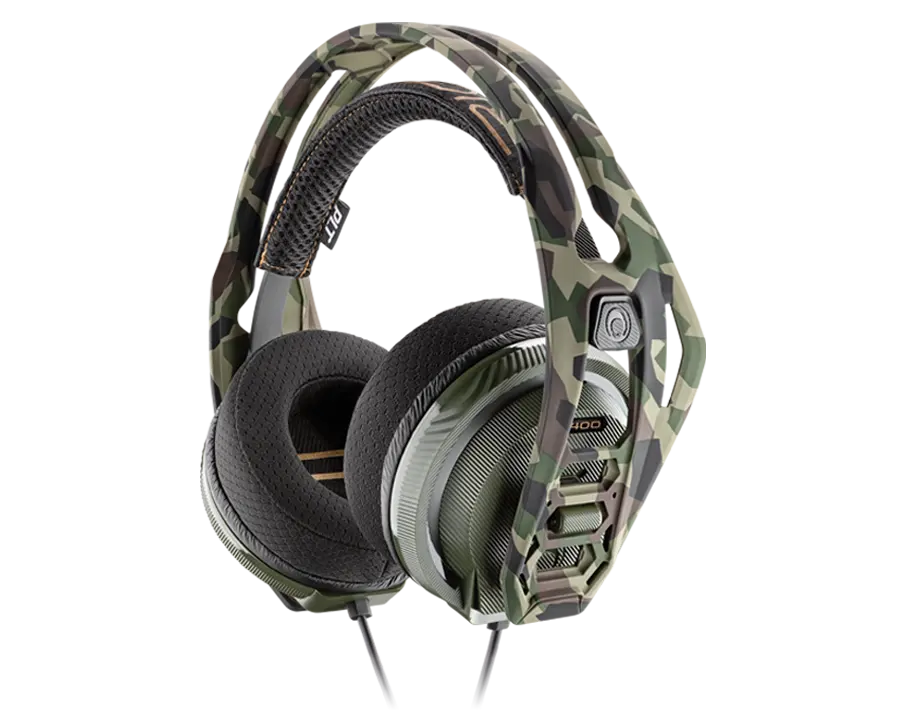
Headset RIG 400 Forest Camo
Register your product on MyNacon for quick access to all this information.
Documents & downloads


Frequently asked questions
The RIG 400 headsets 2021 edition all have a straight 3.5mm / 4-pin connector plug. It makes them universally compatible with all current gaming controllers on all devices:
- Xbox One
- Xbox Series X|S
- PlayStation 4
- PlayStation 5
- Nintendo Switch
- PC and laptops
- Other personal electronics devices
PlayStation 4
PlayStation 5
Xbox One
PC / Mac
- Remove the ear cups from the headband frame.
- Put one end of the new speaker cushion material into the plastic groove on the ear cup and hold it in place.
- Pull and stretch the rest of the speaker cushion around the groove until the material is fully in it. To make sure that the material is correctly in place, give the speaker cushion a light turn.
- Put the ear cups back into the headband frame.
- Make sure that the ear cups are correctly in place. When you extend the microphone, it must be pointing away from the RIG logo on the headband frame and not towards it.
The only way to reset this headset is to disconnect and reconnect it.
- Insert the headset wire into the device or controller correctly. If necessary, unplug it and plug it back in.
- When the wire is correctly inserted into the controller port, you see the Audio option in the Settings menu.
- If it is not recognised, there can be a problem with the controller's headset port. Test another controller.
- Test the headset with another source that has a headset connection, like a mobile phone, a tablet or a laptop.
- If you are still having issues getting stereo sound, contact the support team.