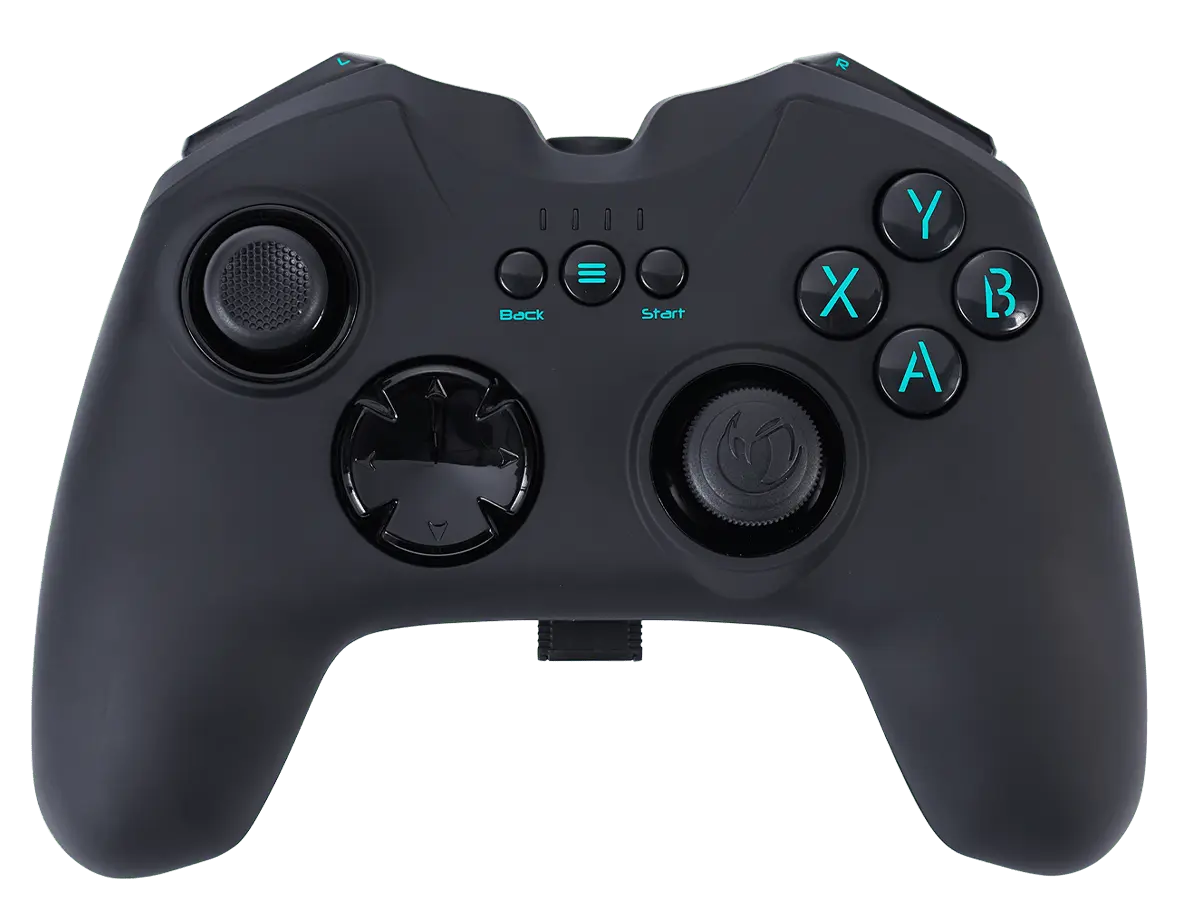
Make sure that the GC-200WL battery is fully charged.
Plug the USB receiver into a free USB port on your PC. If the PC doesn't recognise the controller, press the (≡) and Start buttons at the same time for a minimum of three seconds.
Wait for Windows to download and install the necessary drivers. An icon appears in the taskbar to show the process.
If the controller still doesn't communicate with the game, use the D/X switch on the back of the controller to change the protocol. NOTE: The GC-200WL controller supports the two most common communication protocols, DirectInput8 and XInput.
Unplug and plug again your controller to your gaming system without any action on your joystick or trigger.
If your controller has a companion app, make sure that:
The firmware is up to date.
The settings of your joystick or trigger are not too aggressive.
The dead zone settings are not set at their minimum.
To charge your controller, you must always use the charger/cable supplied with it. As specified in the safety notice, using another cable (like a phone charger for instance) will damage the battery. This kind of damage is not covered by the warranty.